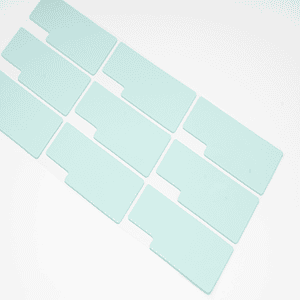
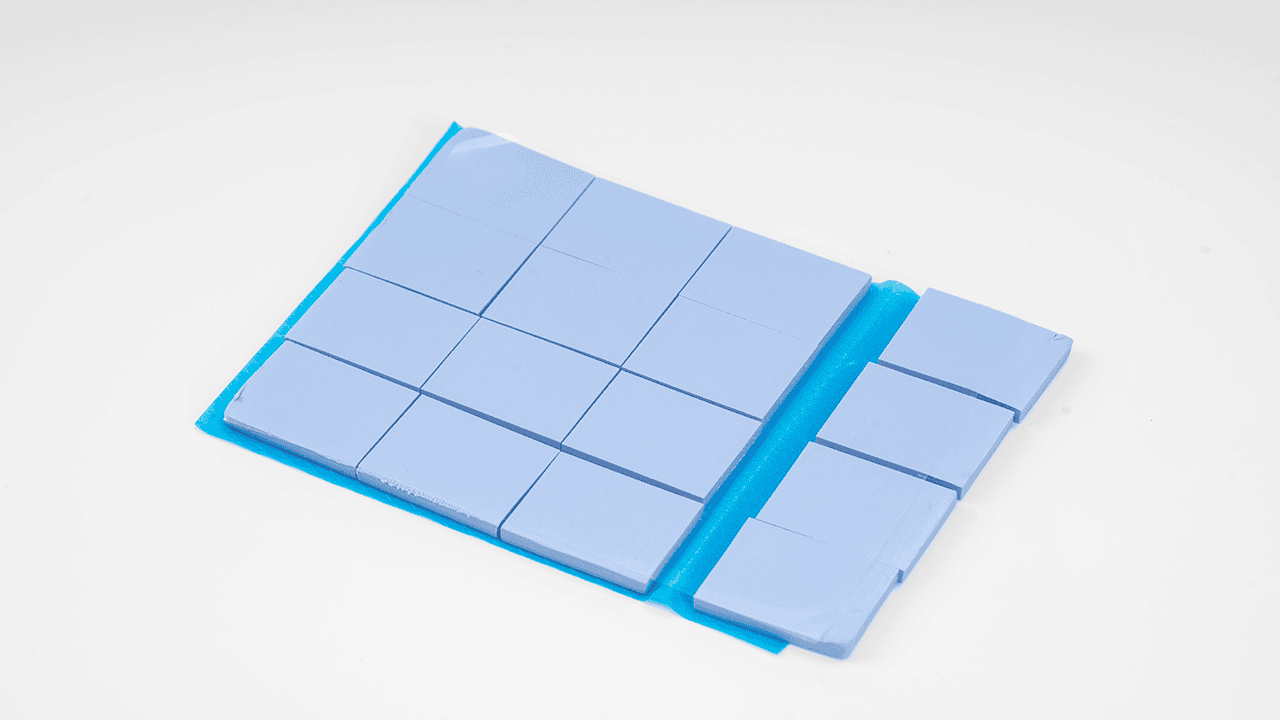
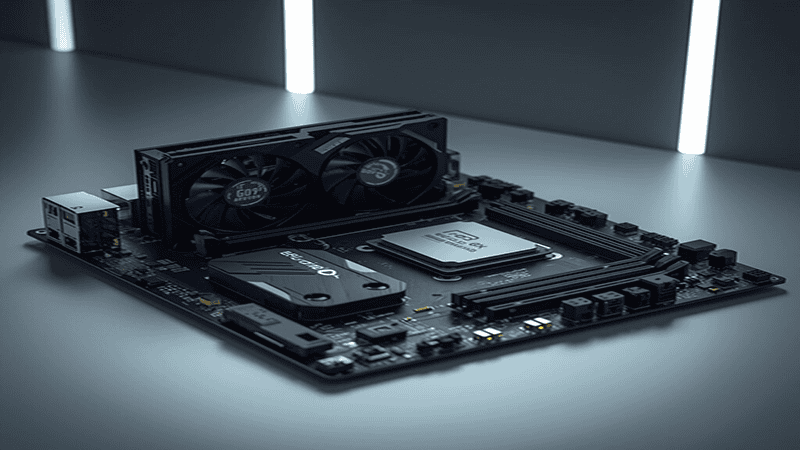
Why Thermal Pads and Thickness Matter
A thermal pad is a material designed to transfer heat between electronic components and their cooling solutions. such as the right thickness, helps heat transfer work better and keeps parts cool.
Let’s see electronic components like GPUs, CPUs, VRAM modules, and VRMs generate high levels of heat during operation. Also, using a properly selected thermal pad thickness helps maintain stable temperatures, improve performance, and prevent damage.
Selecting the right thickness ensures that the pad fits the gap perfectly and makes full contact with both surfaces, allowing for efficient heat transfer and reliable operation over time.
What Is a Thermal Pad?
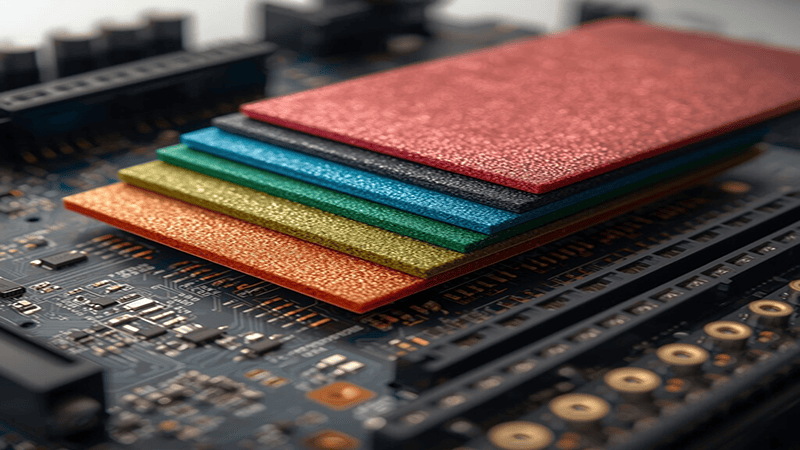
In simple words, a cooling pad is a soft, compressible material that fills small gaps between a component and its heat sink. such as by conforming to uneven surfaces, it eliminates air pockets, which can hinder heat transfer.
Applications include:
Cooling graphics card memory and processors.Heat management in power modules and voltage regulators.Compact devices like laptops, where space is limited.
Industrial electronics with dense assemblies
In addition to transferring heat, thermal pads also provide electrical insulation and protect sensitive circuits while ensuring efficient cooling. Thermal padsare widely used in NVIDIA and AMD graphics cards, especially on VRAM and memory chips.
Why Thermal Pad Thickness Is Important
You must choose the right thermal pad thickness, which is important for good heat transfer. And the thickness decides how well the pad touches both the part and the heat sink.
Too thin: The pad may not fill the gap completely, leaving air pockets. Also, this reduces thermal conductivity and can increase heat build-up inside components.
Too thick: If the thermal pad is too thick, the heat sink cannot press down properly. This reduces contact with the component and makes heat transfer less efficient.
Proper thickness: The right thickness ensures the pad touches the whole surface well. It compresses correctly and keeps performance stable. It also adjusts for small differences in component height, which is very important for GPUs, VRAM chips, and small electronic devices. Proper thickness improves the contact area between two surfaces.
The wrong thickness can create hot spots on memory chips.And thermal pads improve heat transfer from metal components to the heatsink.
Common Thermal Pad Thickness Sizes
Thermal pads come in a variety of thicknesses to suit different applications. And you must select the right size depending on the gap between the component and the heat sink.
Typical thickness ranges:
0.3–0.5 mm: Tight spaces, laptops, and small electronics
1.0–1.5 mm: Most GPU VRAM chips and CPUs
0.5–1.0 mm: VRMs and power modules
2.0–5.0 mm: Large gaps or older industrial boards
Key tips:
So always measure the actual gap before choosing a pad.
Such as keep some standard thickness pads (like 0.5 mm, 1 mm, 1.5 mm) handy for accuracy.
Also, select a thickness that allows the pad to compress slightly, ensuring maximum contact.
In short, these thickness ranges are widely recommended by engineers and experienced users for consistent cooling performance.
Thermal pads are widely used on RAM and memory chips. Many manufacturers recommend specific thickness values. Such as some Gelid solutions thermal pads provide high conductivity for GPUs and CPUs.
Factors to Consider When Choosing thermal pad Thickness
You should choose the right thermal pad thickness and pay attention to a few key things to make sure heat moves efficiently.
Gap Size Between Surfaces:
First, you check the distance between the component and the heat sink. Then the pad should be a little thicker than the gap, so it can compress and fill it completely.
Compression Rate:
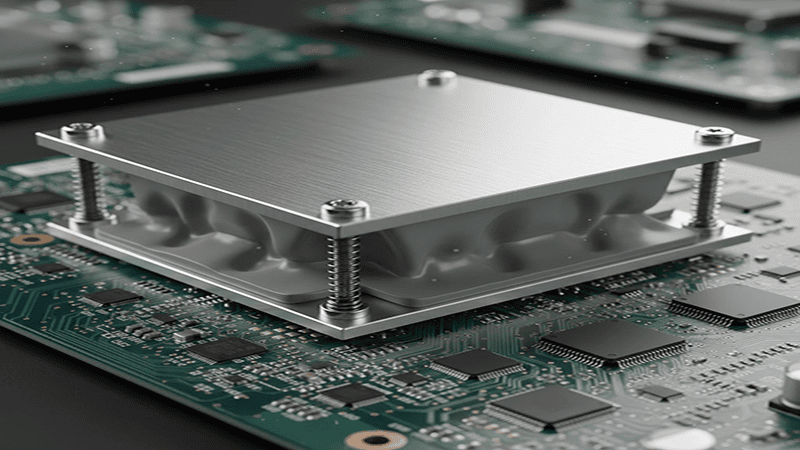
thermal interface material is made to compress when pressed. Most pads squeeze 10–50% of their thickness. The right compression makes sure the pad touches the whole surface without harming the parts.
Thermal Conductivity vs Thickness: Such as thick pads can fill big gaps, but may slow down heat transfer. Also, thin pads usually transfer heat better but need exact measurements to avoid air pockets.
Component Type:
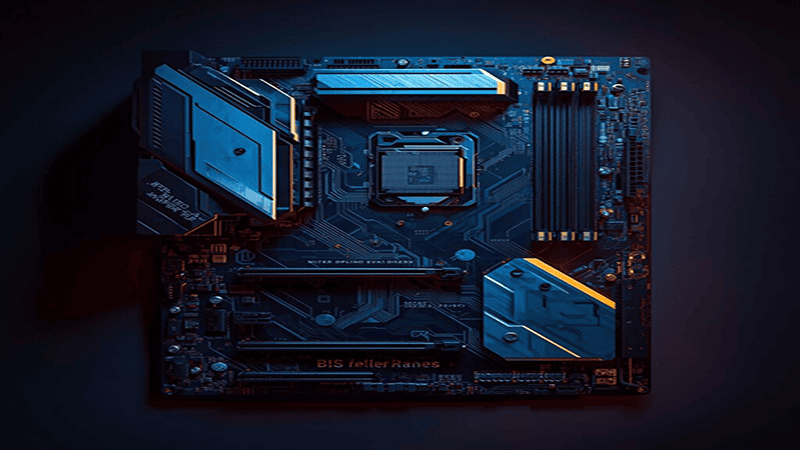
Different parts make different amounts of heat. Like GPUs and VRAM need the exact thickness for proper cooling, while VRMs and laptops can work with small differences.
Key Point: In short, by keeping these things in your mind, engineers and technicians can pick a pad that fills the gap, so it moves heat well, and fits the parts safely.
How to Measure Thermal Pad Thickness

Measuring correctly is very important to pick the right thermal pad thickness. Also, there are a few reliable ways to do it.
Digital Calipers: Such as the most precise way to measure the gap between a component and its heat sink.
Manufacturer Specifications: like Hardware datasheets or service manuals often provide recommended pad thickness.
Test Fit and Visual Inspection: temporarily place a pad and check compression marks to confirm full contact.
Step-by-Step Tips:
It’s best to clean the surfaces to remove dust and old pad residue.
Such as measuring the gap with a caliper. Select a pad slightly thicker than the measured gap to allow compression.
Also, install and verify the contact by gently pressing the heat sink and observing compression.
- Digital calipers are commonly used to measure the gap.
- Measuring prevents guessing and avoids damage to the PCB.
In short, accurate measurement prevents overheating, ensures efficient thermal transfer, and extends component lifespan.
Installation Tips for Best Results
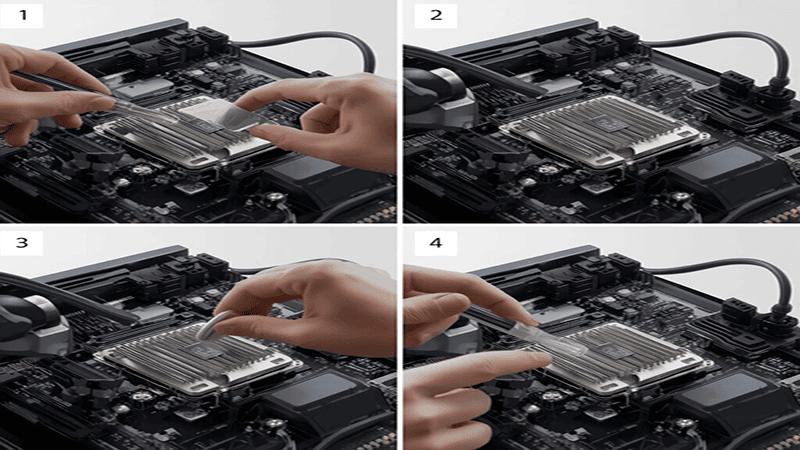
Such as proper installation ensures that a thermal interface materialperforms efficiently and reliably. You should follow these tips for optimal results:
Clean Surfaces Thoroughly: such as removing dust, old pad residue, or thermal paste. And clean surfaces improve contact and heat transfer.
Cut Pads Accurately: Trim pads to match the component’s size. And don’t use too much thermal pad, as it can get in the way of other parts.
Align Properly: Make sure the pad covers the whole surface evenly and without overlapping the edges or leaving gaps.
Apply Even Pressure: When placing the heat sink, apply gentle and uniform pressure. This compresses the pad correctly and eliminates air pockets.
Test After Installation: like Monitor component temperatures to confirm proper thermal performance. Adjust or replace if necessary.
You should follow these steps to help improve cooling efficiency, such as maintaining reliability and extending the lifespan of components.
Common Mistakes to Avoid
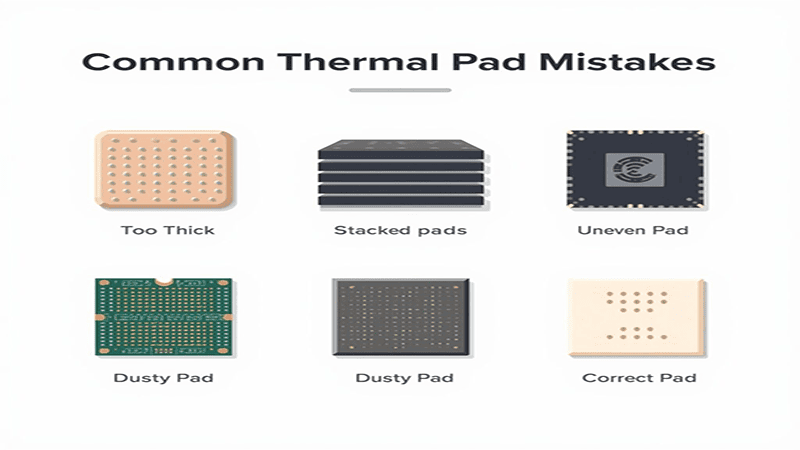
Selecting and Installing Thermal Pads Correctly
In short and simple words if using thermal pads the wrong way can reduce cooling efficiency and even damage your components. And you should avoid these common thermal pad mistakes to keep your devices safe and running cool:
Choosing the Wrong Thickness: such as a pad that is too thin or too thick can leave air gaps or reduce the pressure needed for proper contact, which lowers heat transfer.
Stacking Pads: Also, never layer multiple pads. and this increases thermal resistance and makes cooling less effective.
Ignoring Compression: Not considering how much the pad compresses can prevent it from touching the component fully.
Neglecting Surface Cleaning: Like Dust or leftover residue on the surface stops the pad from making full contact, and reduces heat transfer.
Treating Pads as Interchangeable: Different components need different thicknesses. So using the same pad everywhere can cause overheating.
Such as by avoiding these mistakes, ensuring reliable operation, and better thermal performance, and protecting your hardware from premature failure.Such as many users comment that using the correct thickness improves GPU and CPU performance.
Thermal Pad vs Thermal Paste
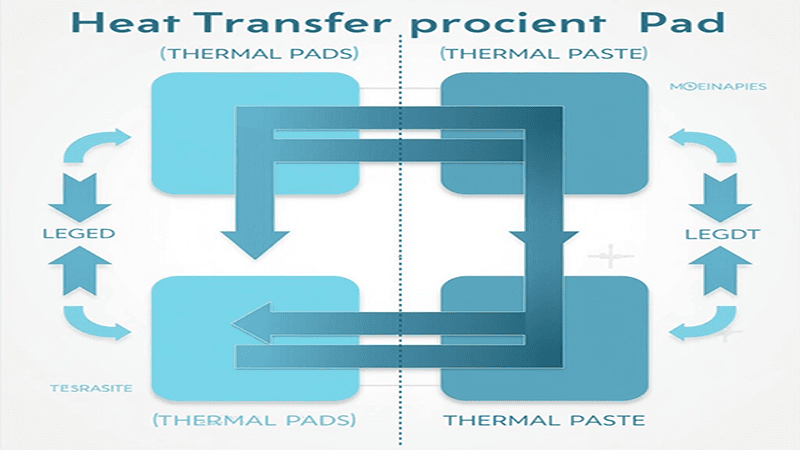
As you can see, while both thermal pads and thermal paste help move heat from components to heat sinks, then they are used in different situations and work best in their own ways.
Thermal Pads
Thermal pads are pre-made solid sheets made of soft, squishy material, such as they are very easy to install and don’t need any special skill.
They work well for gaps that are uneven or hard to reach. But since they can compress, and they adjust easily between parts of different heights.
Also, a big advantage is that thermal pads usually provide electrical insulation, which keeps sensitive electronic parts safe from short circuits.
You’ll often see thermal pads used in GPUs, VRAM chips, VRMs, power modules, and small electronic devices, where multiple parts need safe and reliable cooling.
Thermal Paste
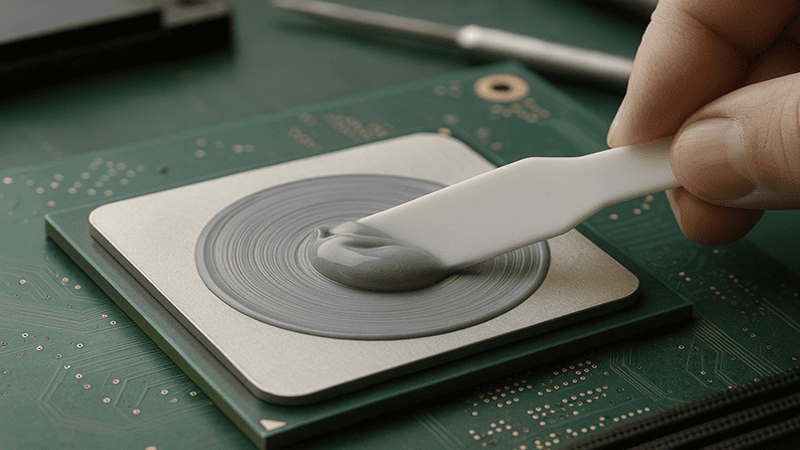
Such as thermal paste, also called thermal grease, is a soft liquid that fills tiny air gaps between flat surfaces.
It usually transfers heat better than thermal pads when applied directly on smooth surfaces. And also, this makes it perfect when maximum cooling is needed.
However, thermal paste does not provide electrical insulation, so you need to be careful during application. It also needs to be spread evenly, because too much or too little can reduce cooling performance.
Such as thermal paste is most commonly used on CPUs and flat heat sinks, where surfaces are smooth and make full contact.
Key Takeaway
- Use thermal pads when component heights are different, and electrical insulation is important, or when you want easy installation and rework.
- Such as use thermal paste when you need maximum heat transfer on flat and exposed surfaces, like CPU heat sinks, and where precise application is possible.
Frequently Asked Questions (FAQs)
Q1: Can a thermal pad be too thick?
Yes. If it’s too thick, the heat sink cannot press properly, so this leaves gaps and makes heat transfer less efficient.
Q2: How often should thermal pads be replaced?
It depends on use, heat, and pad quality. Parts that get very hot may need new pads every 2–3 years or when upgrading components.
Q3: Can I stack thermal pads for a larger gap?
No. Stacking pads is not recommended. also it increases resistance and lowers cooling efficiency. But always use a single pad of the right thickness.
Q4: Are all thermal pads the same?
No. Pads differ in thickness, how well they transfer heat, how much they compress, and whether they provide electrical insulation. You should pick one based on what your component needs.
Q5: Can thermal pads be reused?
Usually, no. Once they are compressed or bent, they also lose efficiency and may not touch the surface properly.
Q6: How do I know which thickness to choose?
Measure the gap between the component and the heat sink. And then pick a pad that’s slightly thicker so it can compress and fill the space well.
Q7: Do thermal pads work for laptops?
Yes. They are commonly used in laptops where space is tight and also accurate gap filling is important.
Facts About Thermal Pads
- Thermal pads are available in thicknesses from 0.3 mm to 5.0 mm.
- Thermal conductivity is measured in W/mK.
- Thermal pads are commonly used in GPUs, CPUs, and memory chip.
- Thermal pads act as a thermal interface material between two surfaces.
- Correct thermal pad thickness helps reduce hot spots.
- Thermal pads are widely used on PCBs and graphics cards.
- Silicone-based thermal pads provide electrical insulation.
- Thermal pads help improve contact area for heat transfer.
- Thermal pads are often used with heatsinks and coolers.
- Thermal pads are used in gaming computers and laptops.
- Thermal pads help control operating temperature.
- Thermal pads are commonly used by hardware manufacturers.
- Thermal pads reduce the risk of overheating.
- Thermal pads are used in both AMD and NVIDIA graphics cards.
- Thermal pads help maintain long-term system stability.
Experience: Production Insights
What We See Making Thermal Pads Daily
As a manufacturer producing thousands of thermal pads every month, we work with different devices, sizes, and materials every single day. This hands-on work helps us see things that datasheets often do not explain clearly.
The Thermal Pad Thickness Reality
On paper, choosing thermal pad thickness looks simple. But in real production, small changes in thickness can make a big difference in heat transfer and device safety.
| Factor | What Specs Say | What We Actually See |
|---|---|---|
| Thermal pad thickness | Any listed size works | Wrong thickness causes gaps or pressure |
| Compression | Often ignored | Directly affects heat flow |
| Surface contact | Looks perfect on drawings | Uneven surfaces are very common |
| Heat transfer | Based on lab values | Depends on real device layout |
Why this matters:
If a thermal pad is too thick, it blocks heat flow.
If it is too thin, it does not touch the surface properly.
From daily production and testing, we know that correct thermal pad thickness is more important than high specs alone.
This is why we always recommend checking real contact points instead of only trusting numbers.
Why Trust This Guide
This guide is written by the real engineers at Jiu Ju Tech, a company that has been manufacturing thermal interface materials since 2002. We do not rely on theory alone.
Every year, we produce more than 15 different thermal products and test multiple thermal pads and solutions in our own lab. Our team works daily with processors, batteries, GPUs, and compact devices where thermal pad thickness truly matters.
The advice shared here comes from:
- Real manufacturing experience
- Daily quality checks
- Hands-on thermal testing
- Practical problem-solving with customers
This is not copied knowledge.
This is what we see, test, and improve every day.
Conclusion
In simple words Choosing the right thermal pad thickness is very important for keeping electronic devices cool. And the correct pad ensures full contact, the right amount of compression, and reliable heat transfer.
By knowing the main factors that affect thermal pads, like gap size, compression, component type, and thermal conductivity, engineers and technicians can prevent overheating, improve performance, and make components last longer.
Also, thermal pads are especially useful when there are height differences between parts, and electrical insulation is needed, or when easy installation is a priority. Unlike thermal paste, thermal pads give consistent and reliable performance in many devices, from GPUs and VRAM to laptops and industrial electronics.
You should make careful selection, accurate measurement, and proper installation to help get the best cooling efficiency. And also, avoiding common mistakes like using the wrong thickness, stacking pads, or skipping surface cleaning keeps your device safe and running smoothly for a long time.
In very short, choosing the right thermal pad thickness is not just a small detail. And it’s a smart choice that keeps your system stable, reliable, and safe, while improving the performance and lifespan of your electronics.
Meta Description:
Choosing the right thermal pad thickness helps improve cooling, prevent overheating, and extend device life. and learn easy tips for proper selection and use.